
COMPUTER REPAIR · GAMING PC BUILDS · DATA RECOVERYSERVING NORTHERN VIRGINIA · OFFICE VISITS BY APPOINTMENT

REPAIR THE PROBLEM. UNDERSTAND THE OPTIONS.

Data recovery & backup

Missing family photos, unreadable external storage, or a computer that cannot find its drive. We assess the situation and explain realistic recovery and backup options.

Northern Virginia service area. Office visits by appointment.
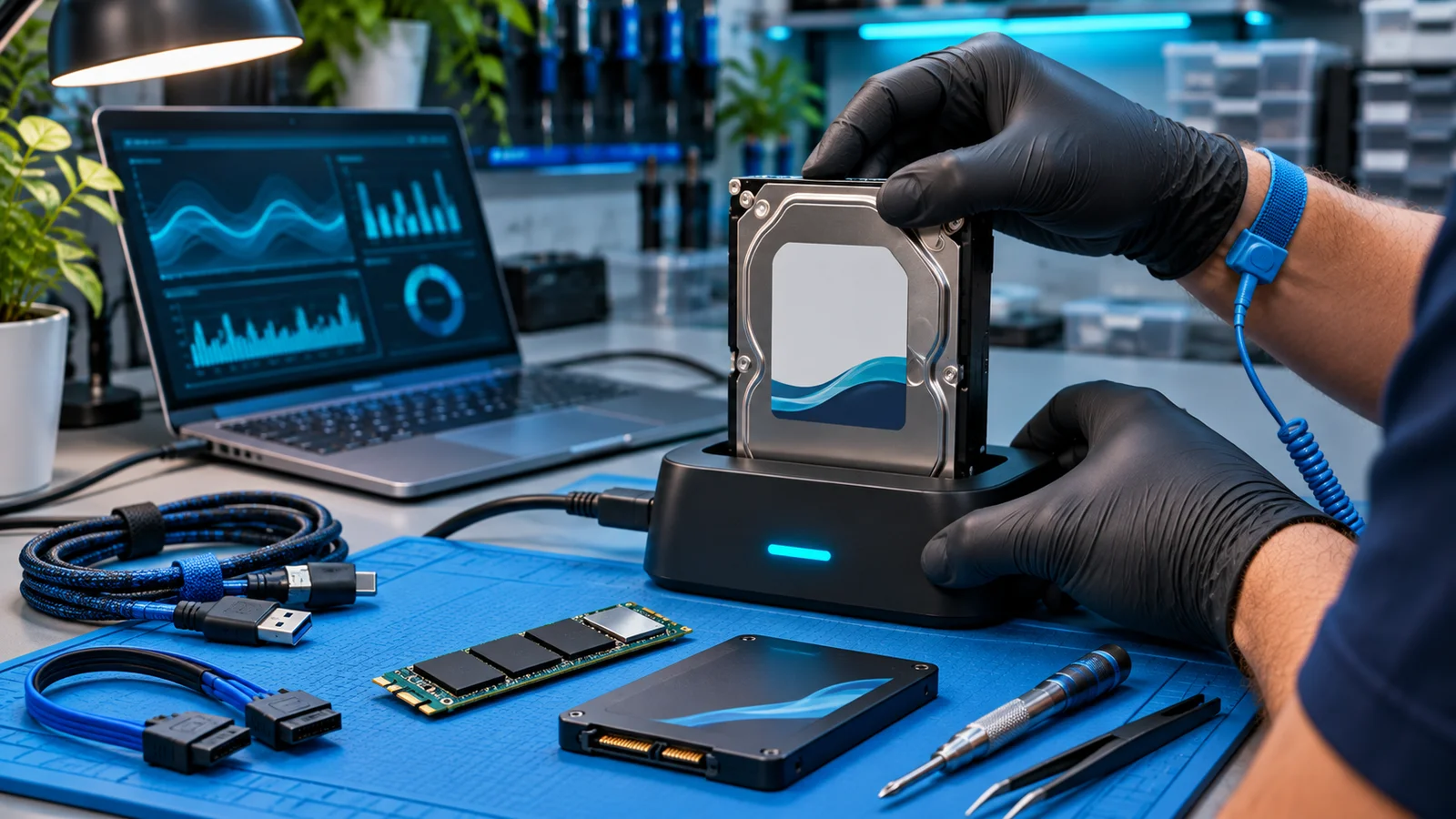
AI illustration of closed hard-drive and SSD diagnostics on an ESD workbench
AI service illustration

DIAGNOSIS BEFORE GUESSWORK

Find the fault.
Choose the repair.

We establish what was lost, when it happened, and whether another copy exists.

We check the storage type and symptoms before taking steps that could alter the source.

We explain the likely approach, limitations, and when a specialist recovery referral is more appropriate.

Request an estimate

A CLOSER LOOK

Failed SSDs and hard drives

Mechanical and flash storage fail in different ways. A clicking drive, disappearing SSD, or read error can call for different handling. Stop using the affected device and avoid repeated scans or power cycling. Physical damage, controller faults, encryption, and overwritten data can require a specialist or prevent recovery.

A CLOSER LOOK

External storage and enclosures

A disconnected USB drive may have a cable, enclosure, power, file-system, or internal media fault. Keep the original adapter and enclosure with the device. Do not initialize, format, or open a drive when important files are missing.

A CLOSER LOOK

Backups and file transfers

For healthy devices, we can discuss a planned transfer and a backup approach that fits the files you use. A copy is useful only if you can locate and restore it. Local copies, cloud version history, account access, and recovery testing all matter.

BEFORE YOUR APPOINTMENT

Practical questions.
Straight answers.

Tell us your device model and the symptoms. Avoid sending passwords or private documents.

Can every drive be recovered?

No. Physical damage, encryption, overwriting, and flash-memory failures can limit or prevent recovery. An assessment helps establish realistic options.

Can you help prevent another loss?

Yes. We can discuss local and cloud backup options, version history, and how to verify that important files can actually be restored.

A CONVERSATION IS A GOOD START

Let’s get your computer back on track.

Tell us the symptoms and your device. We’ll discuss a practical next step.

Call 703-220-1885Computer help starts here