
COMPUTER REPAIR. FROM THE SYMPTOM UP.
What’s going wrong
with your computer?
No power, a damaged screen, high temperatures, or an unstable gaming build. Start with the closest match. We’ll help narrow the fault and explain practical options.
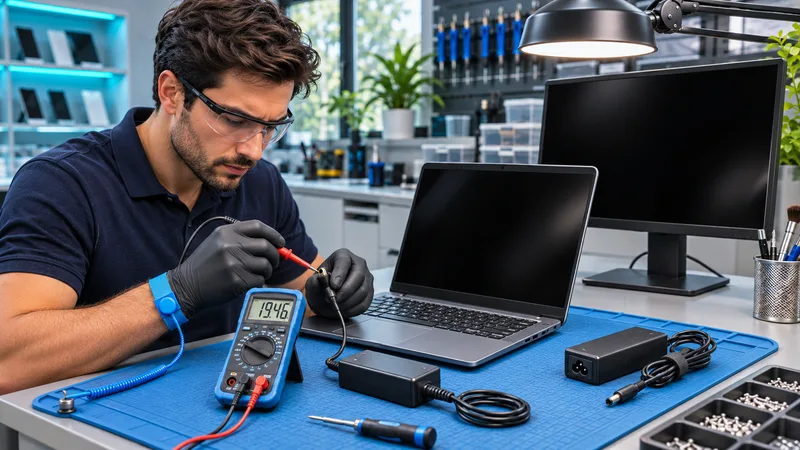
Computer diagnostics & no-boot repair
Find the fault before choosing the fix.
Explore repair options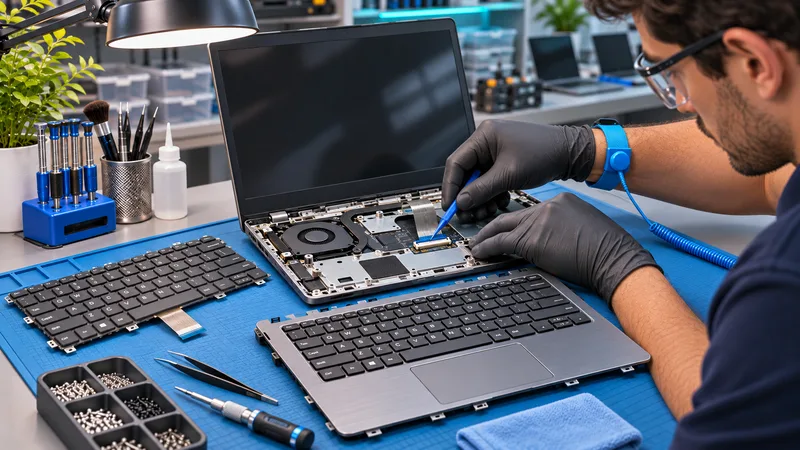
Laptop repair
Power, display, charging, cooling. Start with the symptom.
Explore repair options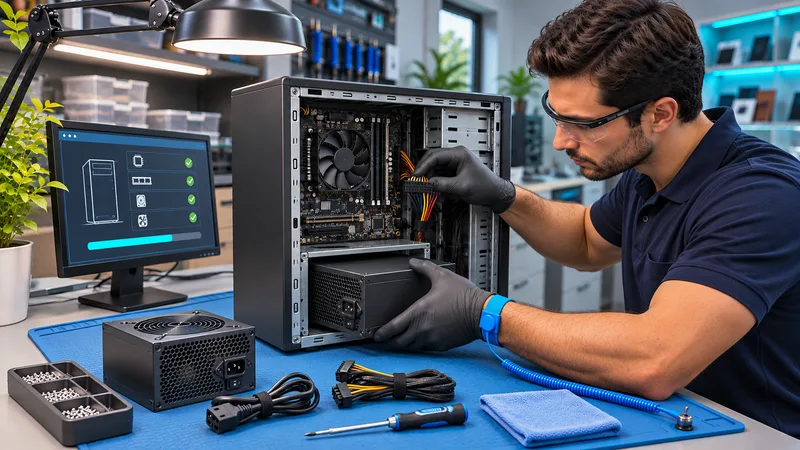
Desktop computer repair
Practical repairs for everyday PCs and powerful towers.
Explore repair options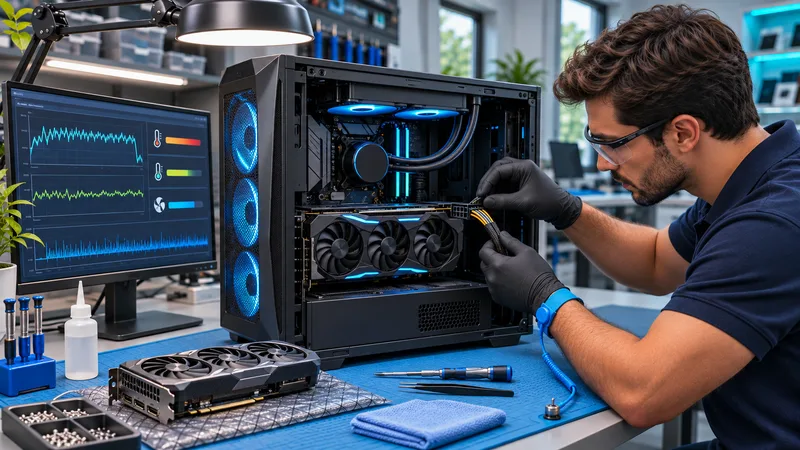
Gaming PC repair
Crashes under load? Diagnose the whole system.
Explore repair options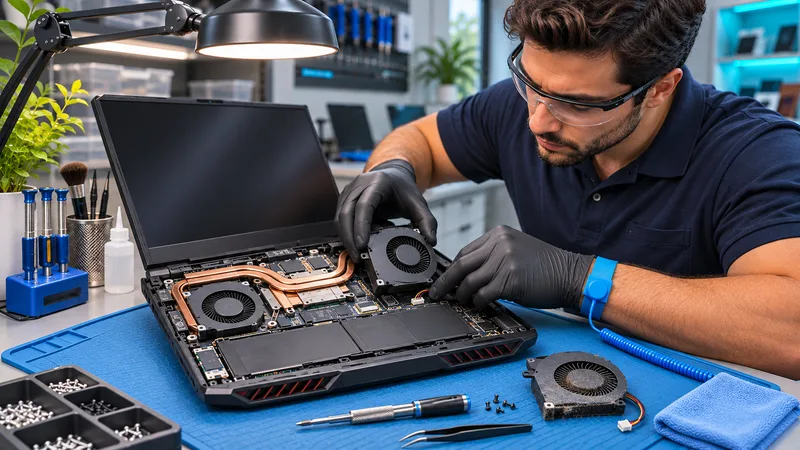
Gaming laptop repair
Compact performance needs careful cooling and power checks.
Explore repair options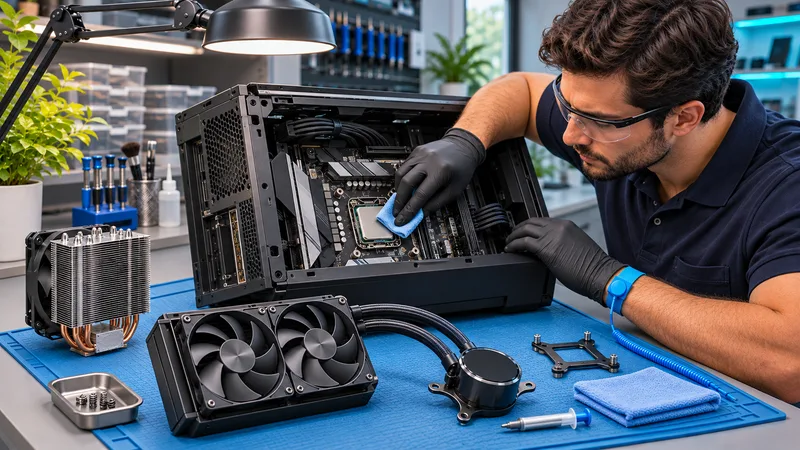
Cooling & thermal service
Deal with the heat before it stops the work.
Explore repair options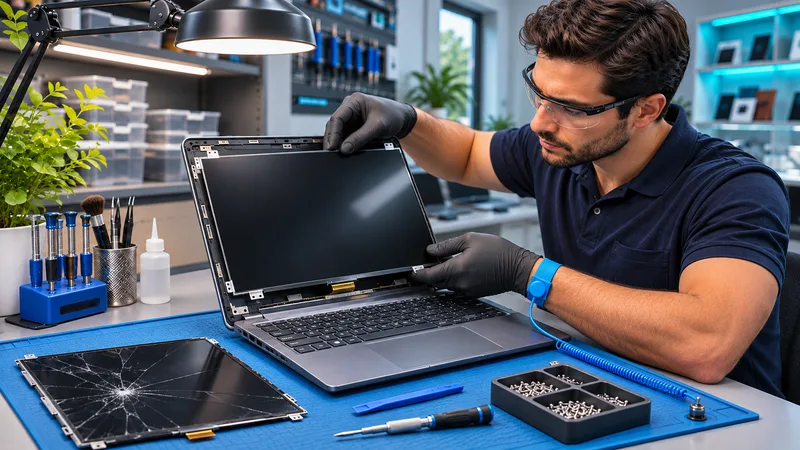
Laptop screen repair
A clearer view of what comes next.
Explore repair options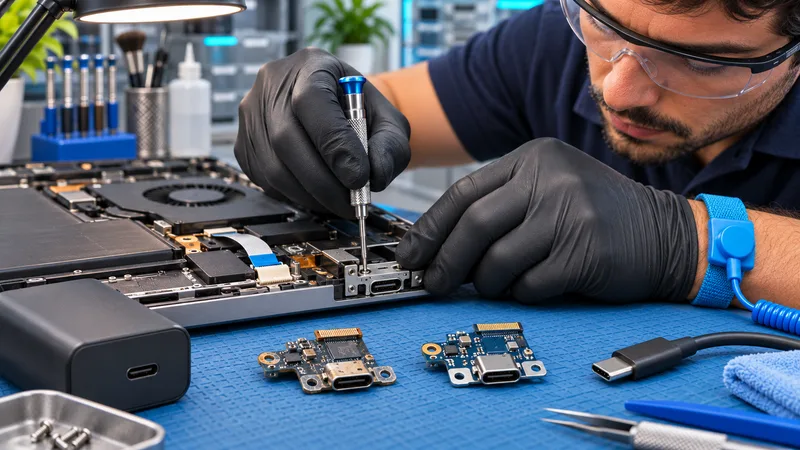
Charging & power-port repair
Find the fault in the power path.
Explore repair options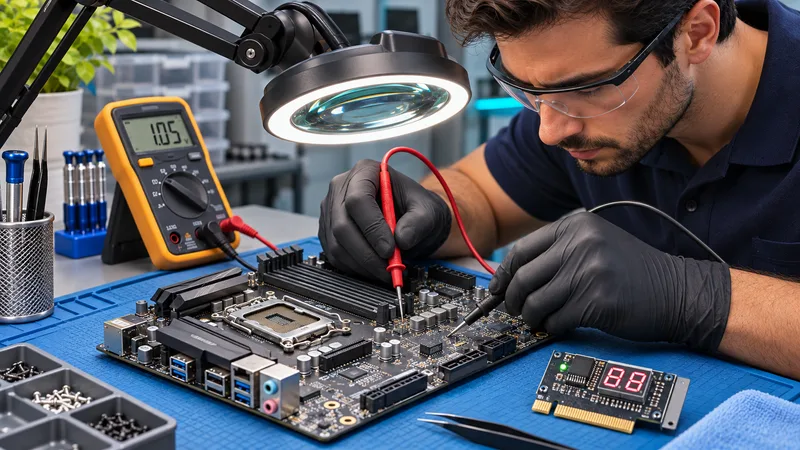
Motherboard diagnostics
Look deeper before you replace it.
Explore repair options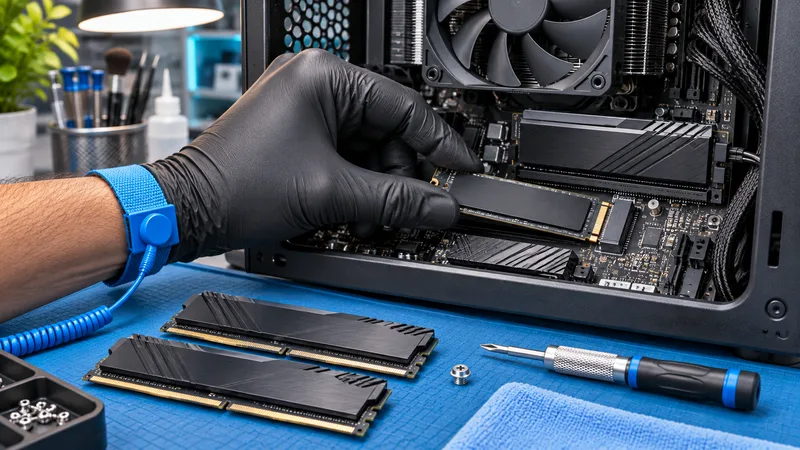
SSD, memory & hardware upgrades
Give a good computer more room to work.
Explore repair options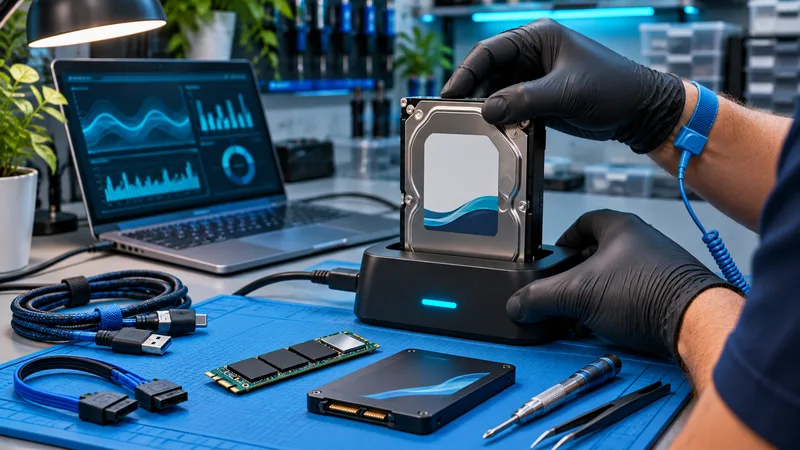
Data recovery & backup
Important files deserve a careful first step.
Explore repair options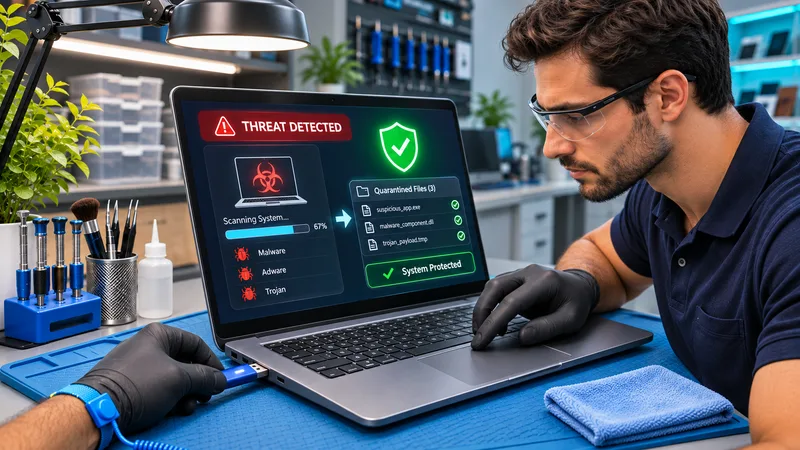
Virus & spyware removal
Get your computer, and confidence, back.
Explore repair options
Windows repair & computer setup
A smoother start. A fresh approach.
Explore repair options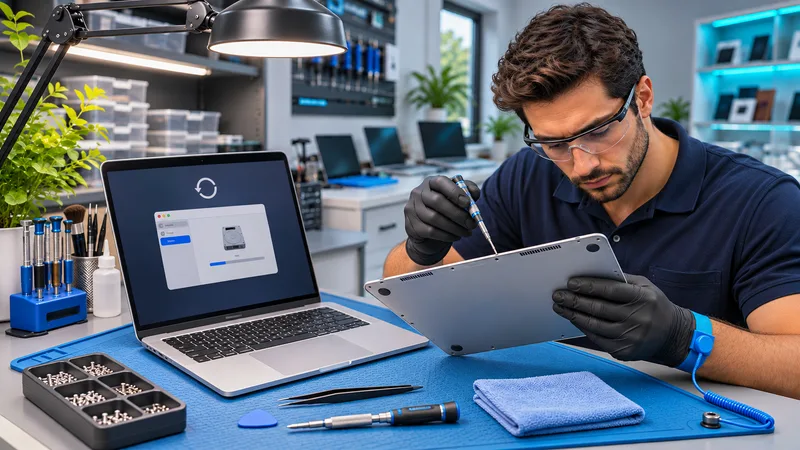
Mac & MacBook diagnostics and repair
Understand the fault. Protect the files that matter.
Explore repair options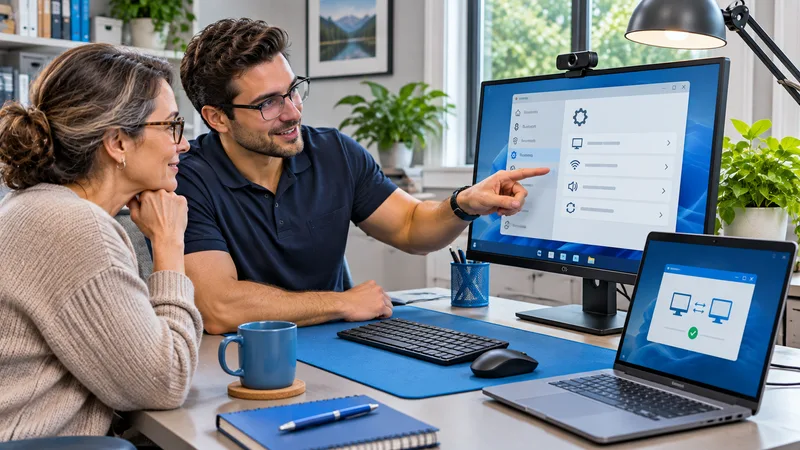
Onsite & remote support
Expert help. Right where you need it.
Explore repair options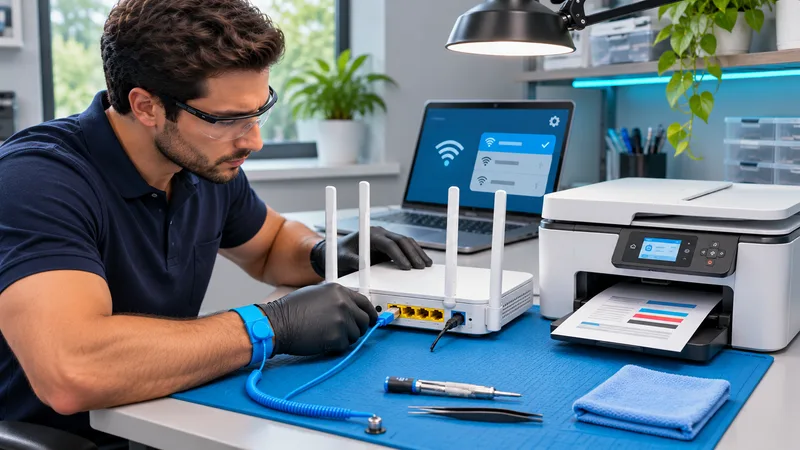
Wi-Fi & home networks
Make the whole home work together.
Explore repair options
Patient, personal computer help
Comfortable questions. Clear answers.
Explore repair options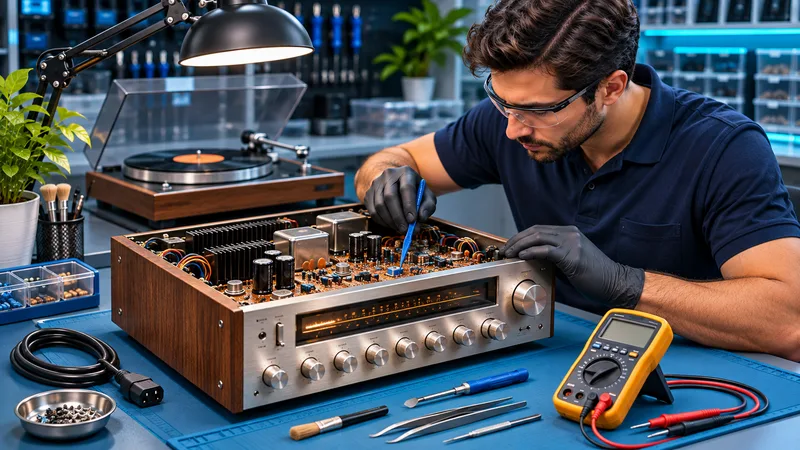
Vintage & specialty electronics
Careful fault-finding for equipment worth a closer look.
Explore repair options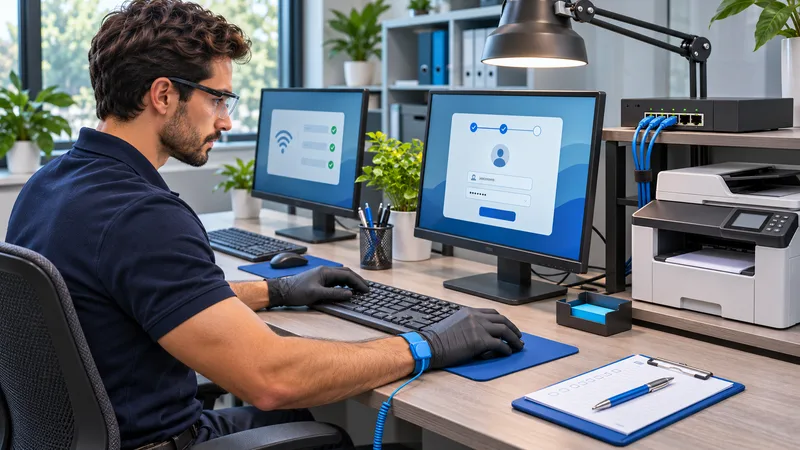
Small business IT support
Technology that keeps up with your work.
Explore repair options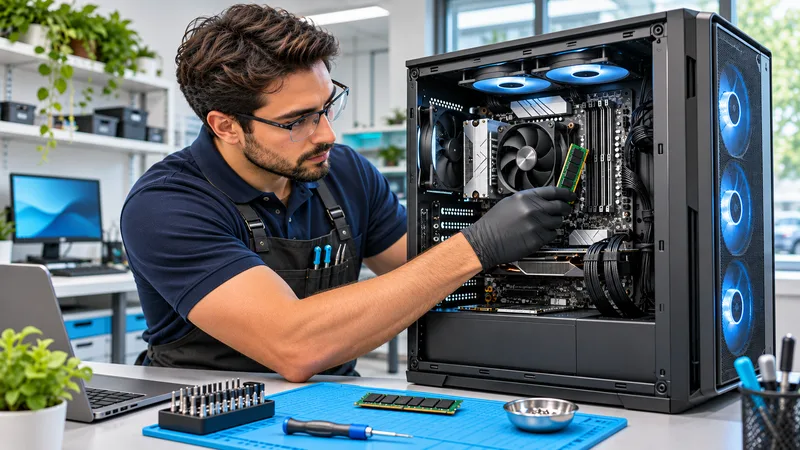
Custom desktop builds
Plan a balanced gaming PC, creative workstation, or performance tower.
Plan your custom PCA CONVERSATION IS A GOOD START
Let’s get to the root of it.
Tell us the symptoms and your device. We’ll discuss a practical next step.