
COMPUTER REPAIR · GAMING PC BUILDS · DATA RECOVERYSERVING NORTHERN VIRGINIA · OFFICE VISITS BY APPOINTMENT

REPAIR THE PROBLEM. UNDERSTAND THE OPTIONS.

Computer diagnostics & no-boot repair

No power, no display, repeated crashes, or a computer that stops before Windows loads. We work through the symptoms to separate power, hardware, storage, and software faults.

Northern Virginia service area. Office visits by appointment.
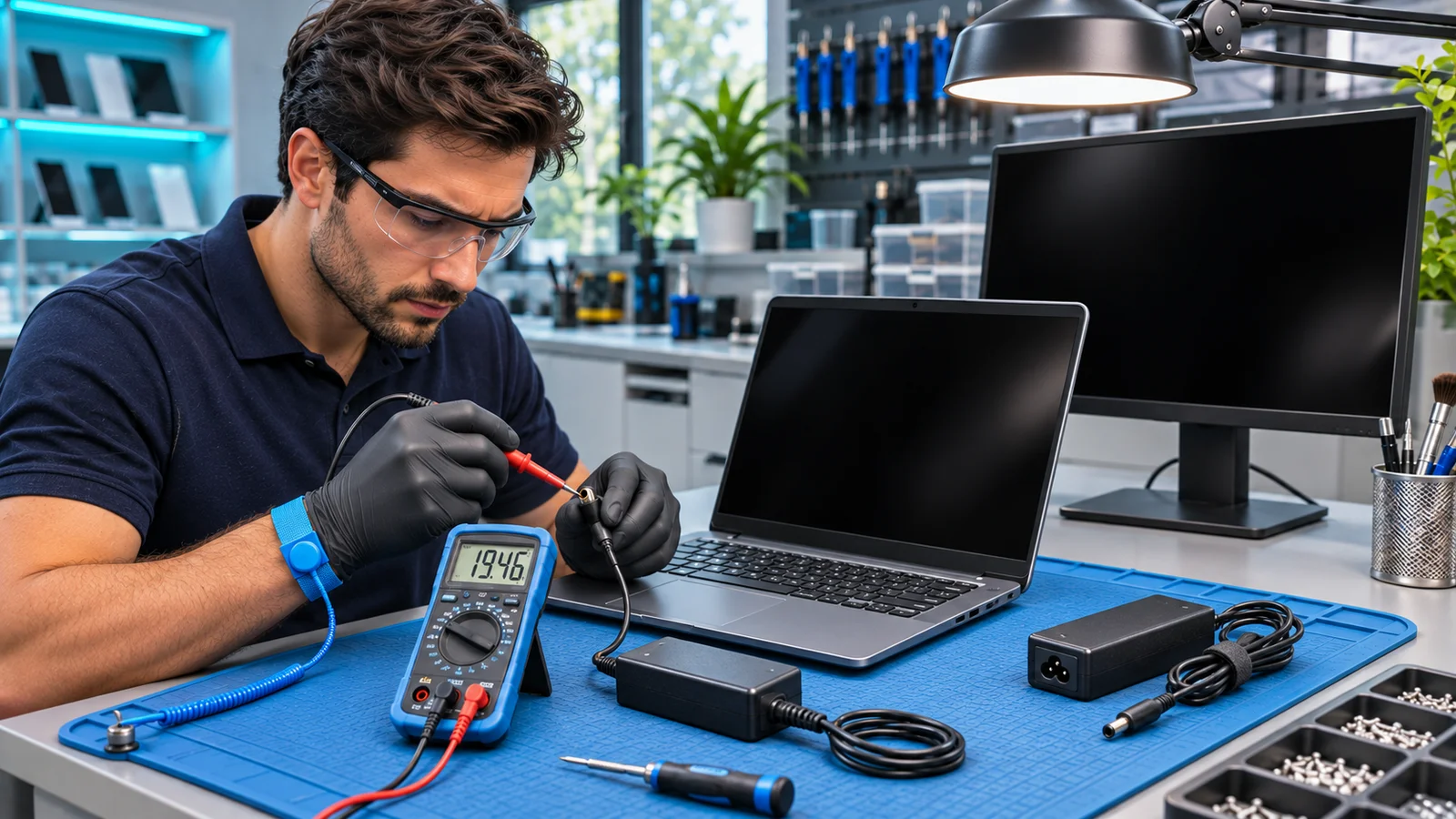
AI illustration of black laptop and monitor screens while a technician checks the power adapter
AI service illustration

DIAGNOSIS BEFORE GUESSWORK

Find the fault.
Choose the repair.

We ask when the problem began, what changed, and whether files are at risk. We check power delivery and startup behavior before recommending replacement parts.

A no-POST fault calls for different checks from a Windows boot error. Memory, display output, firmware, storage detection, and connected devices can each affect the result.

We explain the evidence, sensible next tests, and repair-versus-replace options. Work that changes your files or requires new parts is discussed before proceeding.

Request an estimate

A CLOSER LOOK

No power, no POST, or no boot?

No power means the system shows no normal sign of starting. No POST means it fails its early hardware checks. No boot means the operating system does not load after those checks. Tell us exactly what lights, sounds, messages, and display behavior you see. We use that evidence to choose the next test.

BEFORE YOUR APPOINTMENT

Practical questions.
Straight answers.

Tell us your device model and the symptoms. Avoid sending passwords or private documents.

What is the difference between no POST and no boot?

POST is the hardware startup check before the operating system loads. A computer can pass that check yet fail to start Windows because of storage or software problems. The distinction guides diagnosis.

Can you quote a repair before diagnosis?

We can discuss the symptoms and likely assessment approach, but a reliable repair estimate depends on identifying the fault and checking parts.

Will diagnostics erase my files?

Many checks do not change your files. We discuss backup and obtain authorization before any reset, reinstall, storage replacement, or other work that could affect data.

A CONVERSATION IS A GOOD START

Let’s get your computer back on track.

Tell us the symptoms and your device. We’ll discuss a practical next step.

Call 703-220-1885Computer help starts here