
REPAIR THE PROBLEM. UNDERSTAND THE OPTIONS.
Gaming laptop repair
A gaming laptop that gets too hot, slows down under load, or stops charging needs more than a generic cleanup. We check model-specific cooling, power, display, and hardware behavior.
Northern Virginia service area. Office visits by appointment.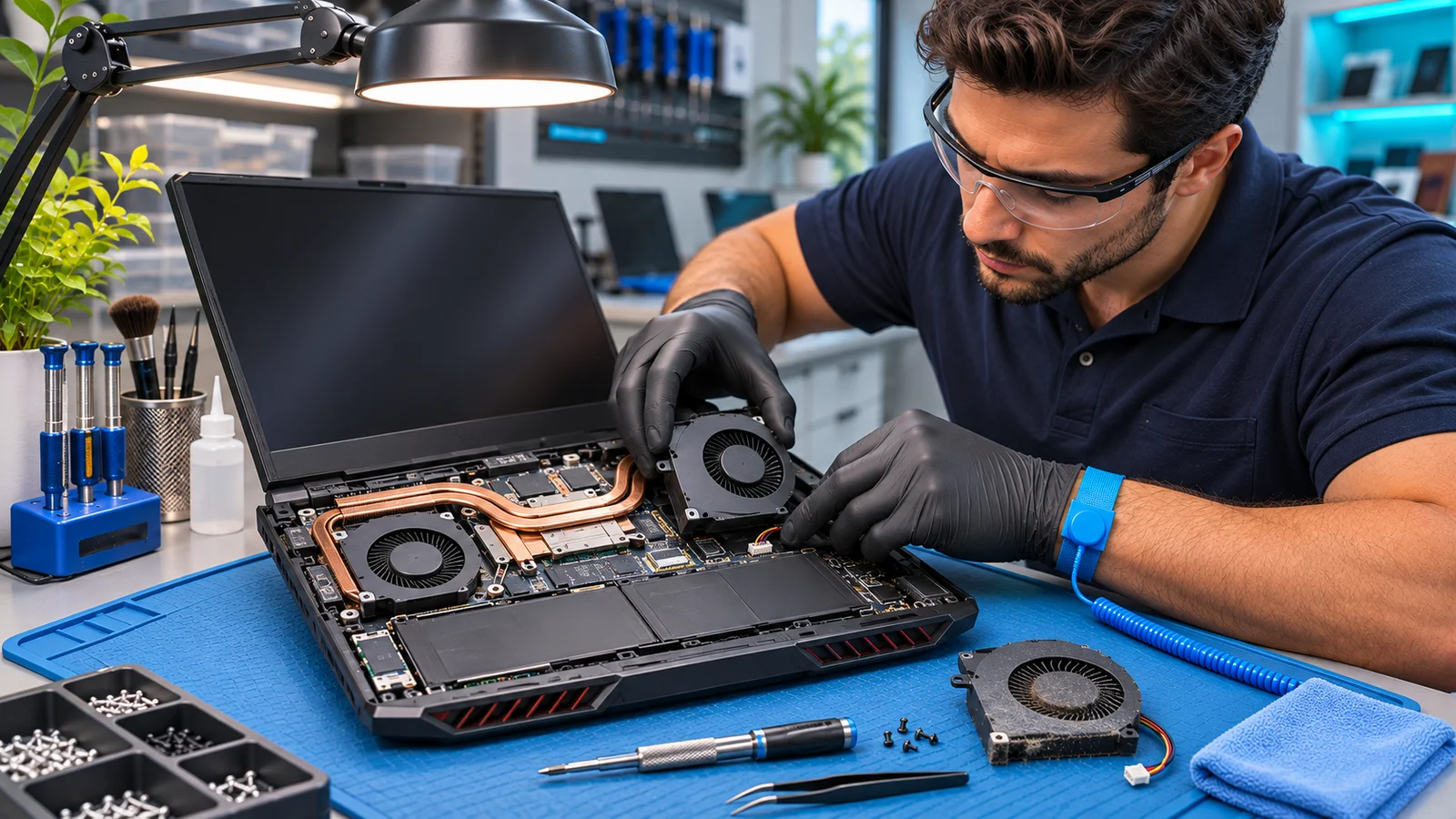
DIAGNOSIS BEFORE GUESSWORK
Find the fault.
Choose the repair.
We identify the exact model, charger rating, failure pattern, and whether performance changed after an update, impact, spill, or previous repair.
We assess cooling paths, fan behavior, power input, battery condition, drivers, and hardware stability. Where disassembly is appropriate, the estimate accounts for model-specific access.
We discuss cleaning, compatible thermal materials, repairs, or referral as appropriate. Fans, display panels, batteries, and power connectors must match the specific machine.
BEFORE YOUR APPOINTMENT
Practical questions.
Straight answers.
Tell us your device model and the symptoms. Avoid sending passwords or private documents.
Does a hot gaming laptop always need new thermal paste?
No. Dust, blocked airflow, fan faults, software load, ambient conditions, and design limits all matter. The cause should be assessed before replacing thermal materials.
Can the GPU be upgraded?
Usually a gaming laptop GPU is integrated or soldered and cannot be upgraded like a desktop card. The model must be checked.
Should I bring the original charger?
Yes, when practical. Adapter power and condition are important when diagnosing charging faults or performance under load.
A CONVERSATION IS A GOOD START
Let’s get your computer back on track.
Tell us the symptoms and your device. We’ll discuss a practical next step.