
Gaming desktops
Start with your games, display resolution, refresh-rate goals, and budget. A balanced CPU, GPU, memory, and cooling plan matters more than a single headline specification.
GAMING · CREATIVE WORK · PERFORMANCE
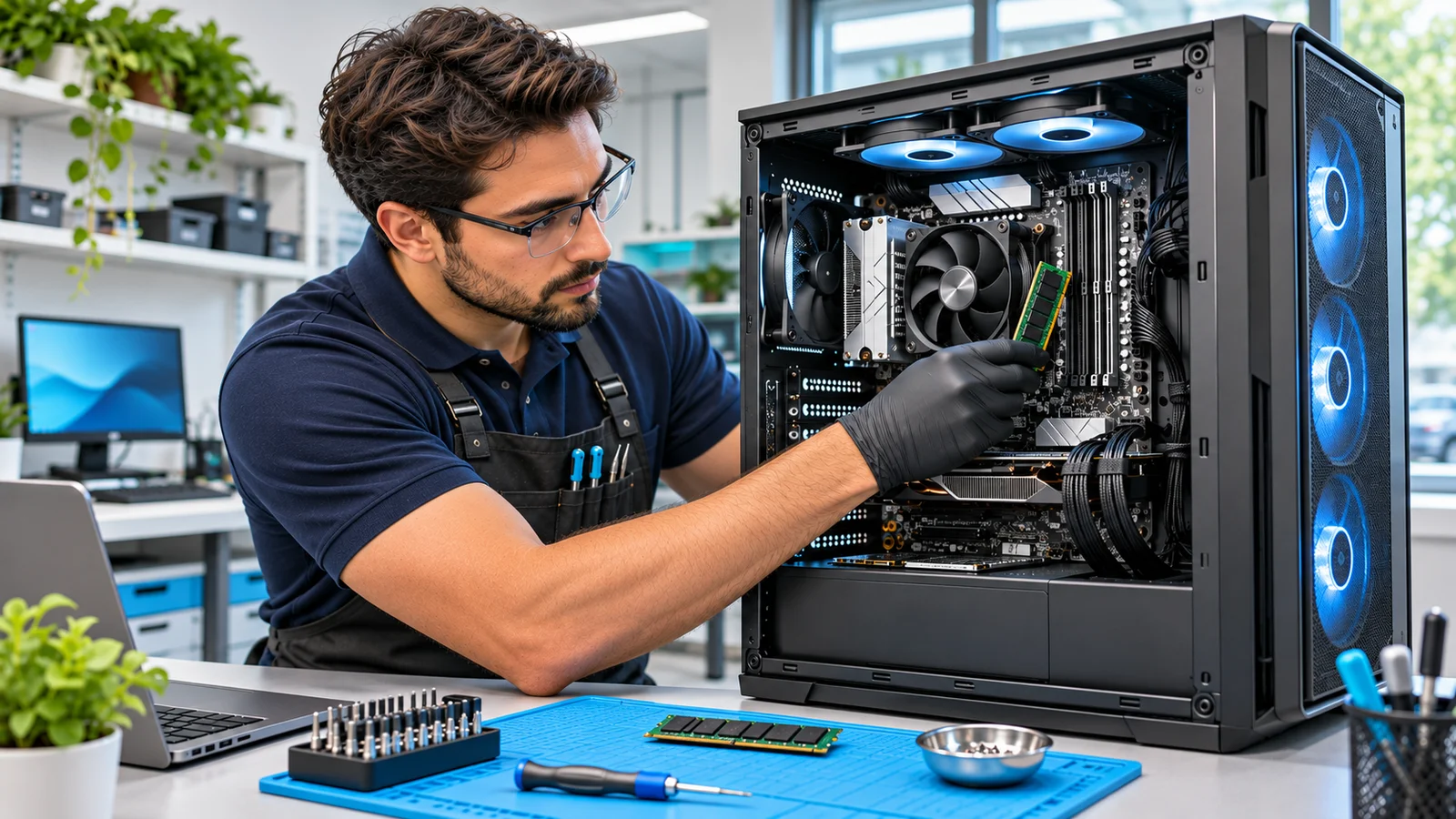
Custom desktops should be more than a collection of expensive parts. We help plan and assemble a balanced system around what you do, what you want to spend, and where you may go next.
BUILD FOR THE TASK
Start with your games, display resolution, refresh-rate goals, and budget. A balanced CPU, GPU, memory, and cooling plan matters more than a single headline specification.
Video editing, design, rendering, and large project files place different demands on compute, graphics memory, storage, and application support. We plan around the tools you actually use.
Local AI workloads can depend on GPU memory, software compatibility, model size, and power. We discuss those requirements before choosing a platform. Capabilities must be verified against your intended workload.
A responsive, quiet desktop can be a practical upgrade from an aging system. We consider reliability, noise, service access, storage needs, and room for future changes.
THE PARTS NEED TO WORK TOGETHER
Socket compatibility is only a starting point. Chipset features, firmware support, cooling demands, memory configuration, expansion slots, and the applications you use all affect the choice.
We consider graphics workload, display connections, physical clearance, connector requirements, and the power supply. Adequate capacity and compatible cabling matter as much as a nominal wattage.
Capacity, platform support, speed stability, SSD interfaces, and usable expansion space need to fit together. We discuss working files, application storage, backup, and future growth.
Cooler fit, case airflow, fan arrangement, noise goals, and cable routing affect how the completed system behaves. A neat build should also be practical to service.
An agreed test plan can include startup, device detection, updates, temperatures, memory behavior, and selected workloads. Passing a scoped test is not a lifetime guarantee or a universal benchmark promise.
We explain platform limits and retain a useful component record. Owner-supplied parts, software licensing, warranty responsibilities, and any future upgrade plans should be agreed before assembly.
BEFORE WE CHOOSE PARTS
Tell us the software or games, the monitor you use, any parts you already own, and what is frustrating about the current system. A realistic budget helps us compare a new build with an upgrade.
Explore upgrade optionsCUSTOM BUILD QUESTIONS
Yes. We can assess an incomplete or unstable build. Bring the component list and explain what has been assembled, changed, or tested. Diagnostic work and new parts are discussed before proceeding.
Discuss the parts list with us first. Compatibility, condition, missing accessories, warranty responsibility, and what happens if a part is faulty should be agreed before assembly.
No. Game version, resolution, settings, drivers, and the workload affect results. We can plan around realistic targets and agree on relevant tests without promising performance in every situation.
It depends on the current platform, power supply, chassis, goals, and total cost. A targeted SSD, memory, graphics, or cooling upgrade may be enough, while other systems have limited headroom.
A CONVERSATION IS A GOOD START
Tell us the workload, budget, and components you already have. We’ll discuss a practical build or upgrade path.